Google Drive Search Is Incomplete
Let's clear something up first: Google Drive search isn't as shallow as people sometimes assume. It doesn't just match file titles — Google actually looks inside your documents to decide which ones to show you. Type a word that only appears in the body of a report, and that report can absolutely show up in your results.
So if Drive is already searching inside your documents, what's the problem?
Finding the document isn't the hard part
The gap shows up one step later. Say you search for “renewal terms” and Drive correctly surfaces four documents that mention it somewhere. Great — except now you have four documents, no idea which one has the version you actually need, and no idea where in any of them the phrase even appears.
So you open the first one. Press Ctrl+F. Search again, inside the document this time. No match near the top, so you scroll. Maybe it's on page six. Maybe it's in a different document entirely, and you have to close this one and start the same process over on the next.
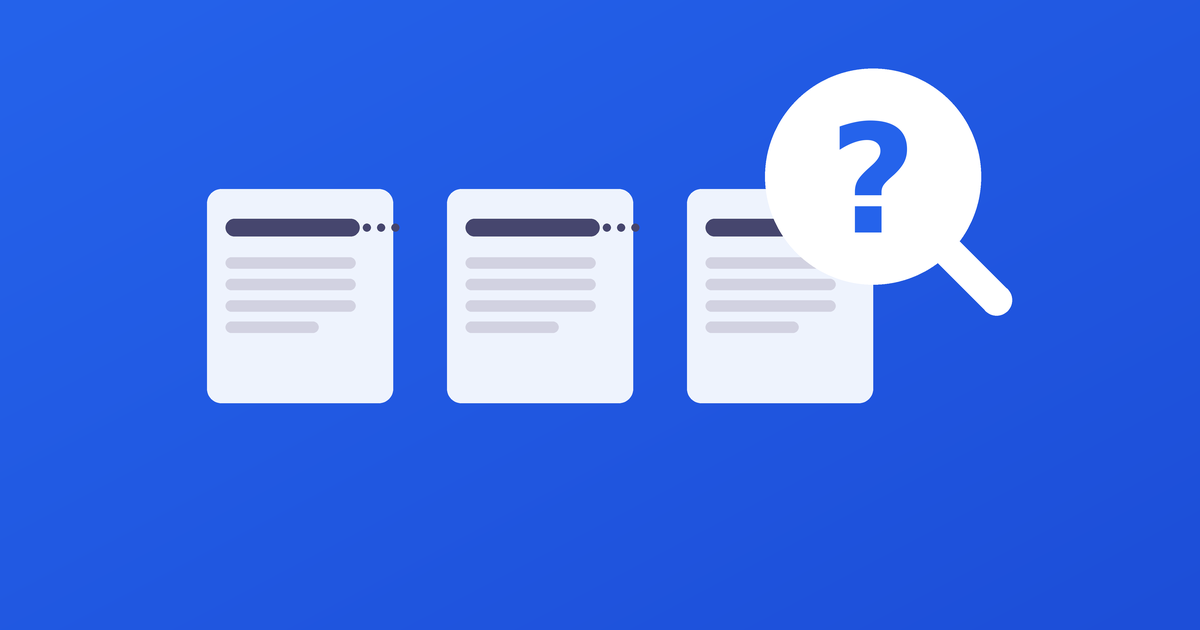
Assuming, of course, you can even tell the four documents apart in the first place. Most people browse Drive in grid view, where long titles get truncated with an ellipsis — so the results list is often four nearly identical, cut-off names, with no way to know which one is right until you open each in turn.
Drive got you to the right pile of documents. It didn't get you to the right sentence.
The list tells you that — not where
This is the quieter limitation: Drive's search results are really good at telling you a document is relevant, and much less helpful at telling you why. There's no preview of the actual matching text, no indication of how many times your phrase shows up, and no way to jump straight to it. You're left doing the same manual search a second time, by hand, inside whichever document you guess is the right one.
For a one-off search, that's a minor annoyance. For anything you search for regularly — client names, contract terms, a phrase you know you wrote down somewhere — it adds up to a lot of repeated Ctrl+F sessions across documents that all technically “matched.”
Closing that last step
This is the specific gap DocLens is built around. Instead of stopping at “these documents contain your search term,” it shows you every place the term actually appears inside each one — the surrounding sentence, in context, right there in the results. Click any of them, and the document opens already scrolled to that exact spot.
Drive already does the hard part of finding the right documents. DocLens just finishes the job — so the last step isn't yours to do by hand anymore.